Rhythm Fit
A polished workout tracker with a plan-aware AI coach
At a glance
Role
Solo product design + full-stack engineering
Stack
- React Native + Expo
- TypeScript
- Redux Toolkit
- NativeWind
- Supabase
- OpenAI
Overview
Rhythm Fit is the workout app I wanted in the gym. It plans training blocks, logs sets quickly, and stays out of the way during a workout. The coach, schedule, and workout log live in one app.
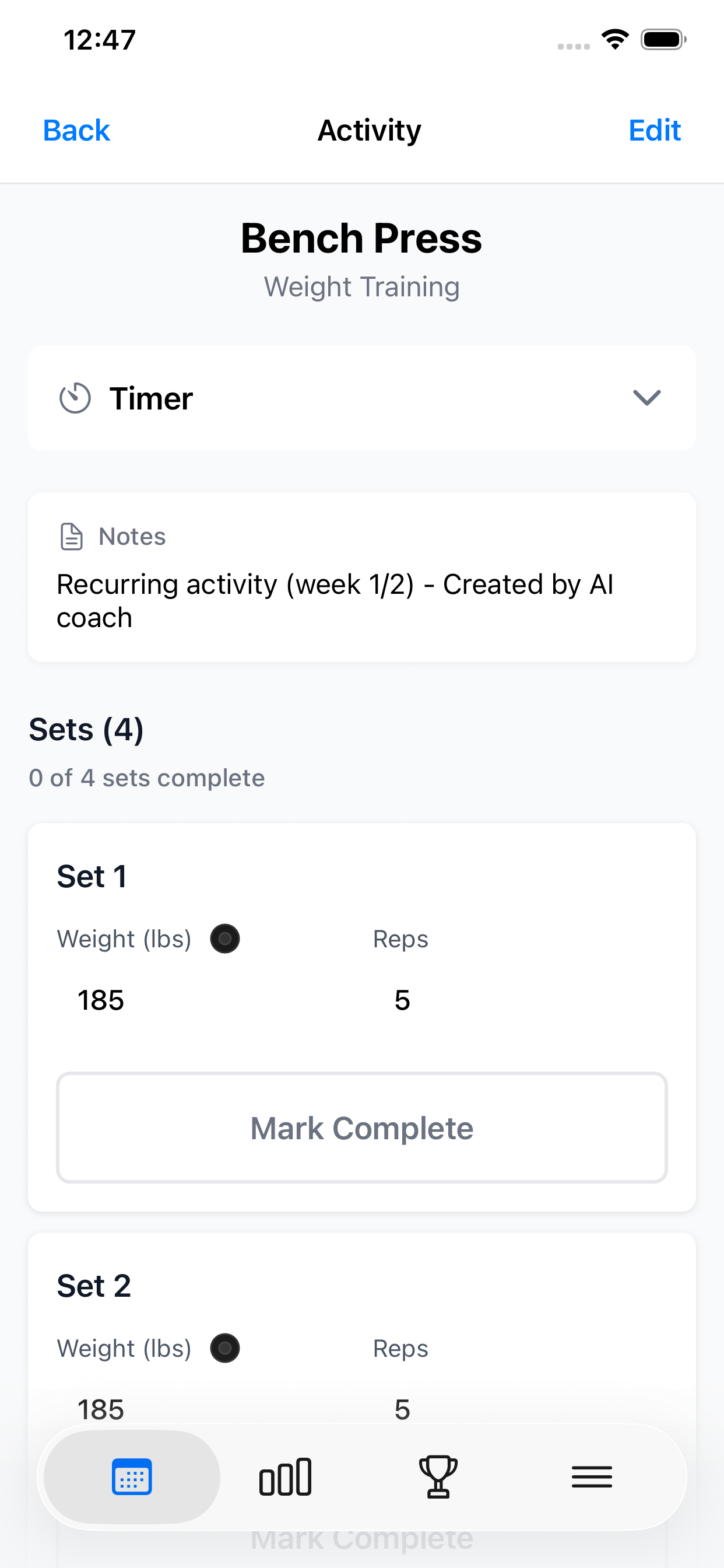
I designed and built the React Native app, interaction system, and Node/Supabase backend. Real gym use shaped the UI: clear hierarchy, large targets, immediate feedback, and reliable one-handed actions.
From goals to the gym floor
Rhythm can follow the device appearance or stay in Light or Dark mode.
AI that becomes product UI
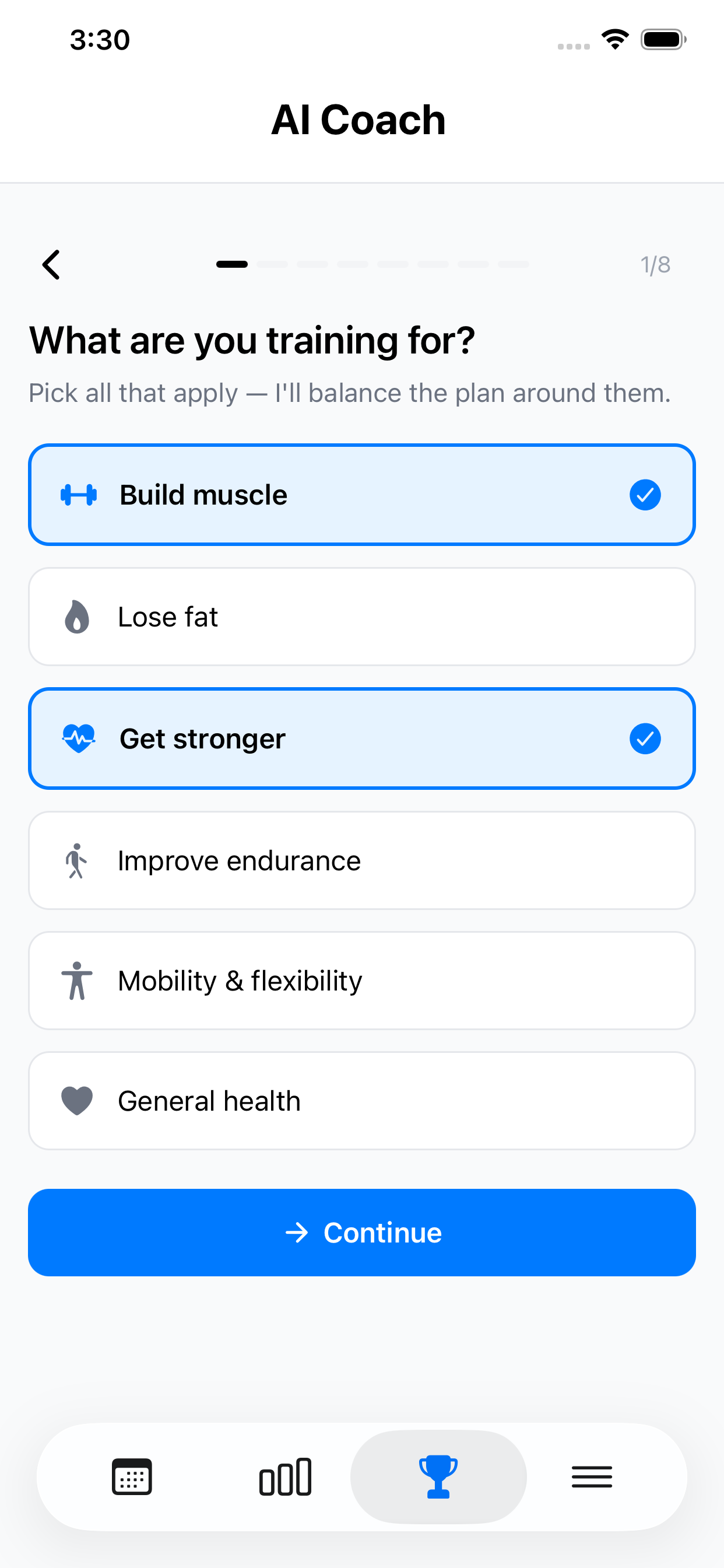
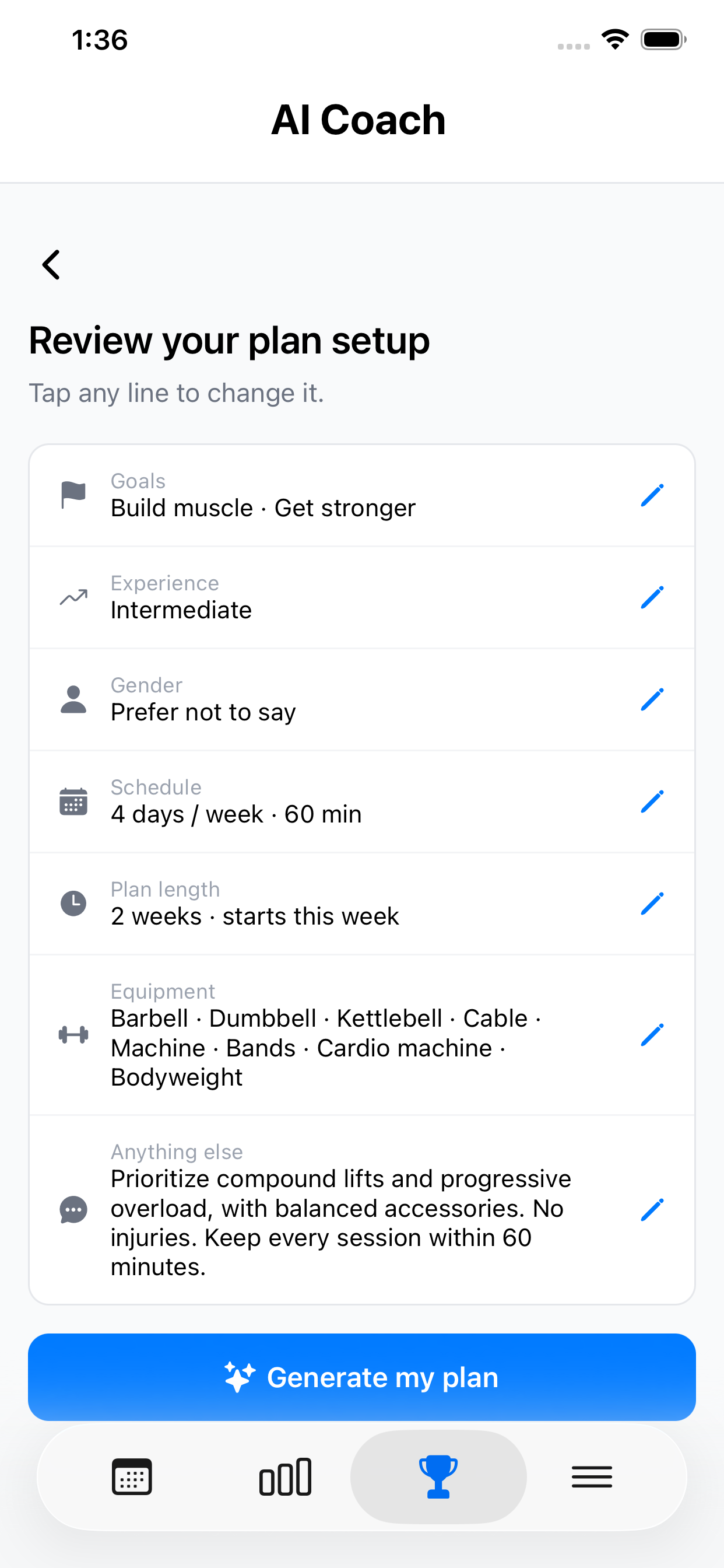
Plan creation starts with a focused intake for goals, experience, equipment, schedule, and limitations. Those answers constrain the exercise selection, weekly split, session length, and plan dates. Users review everything before generation.
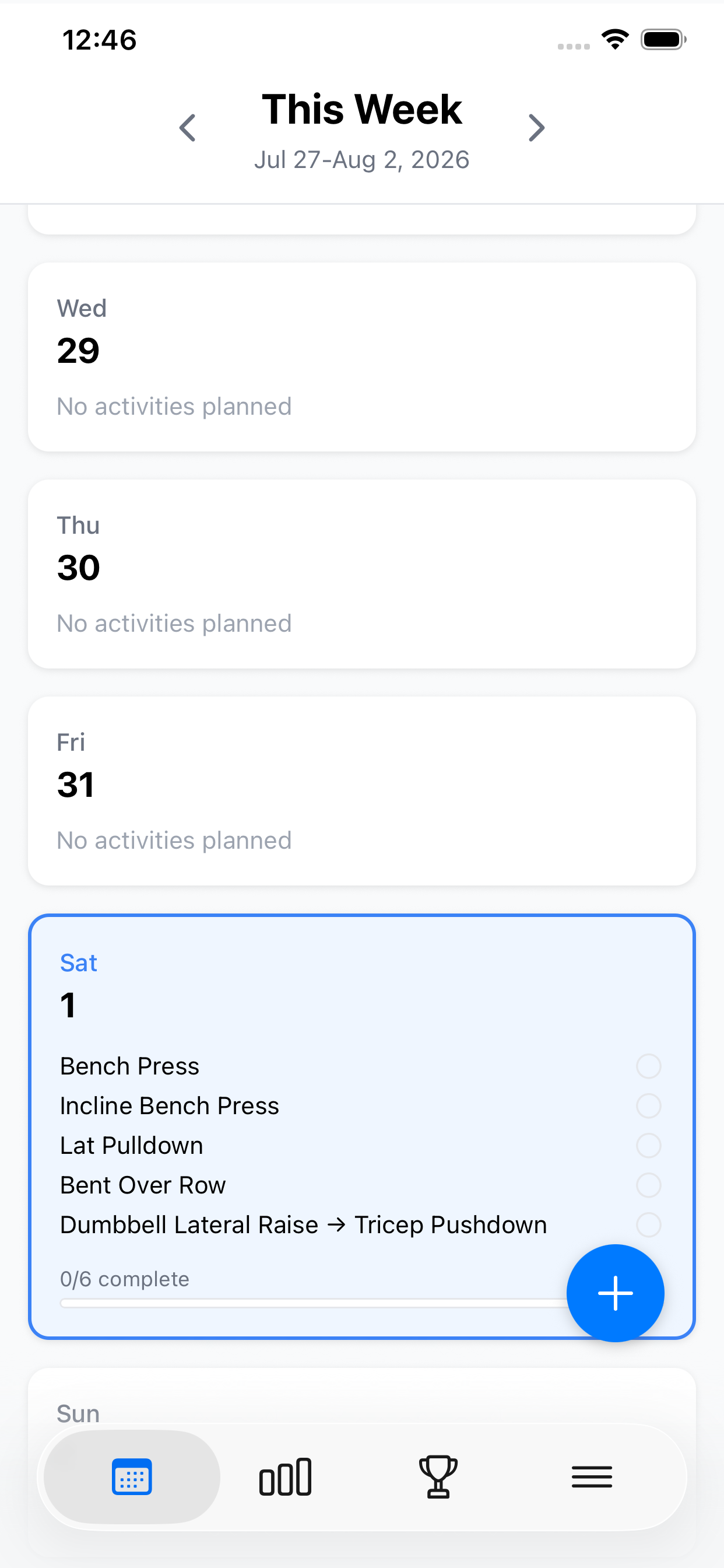
The model returns a scheduling tool call. Typed code validates it, expands recurring weeks, creates sets and supersets, then saves editable data through the same Redux model as manual workouts.
A coach grounded in real training
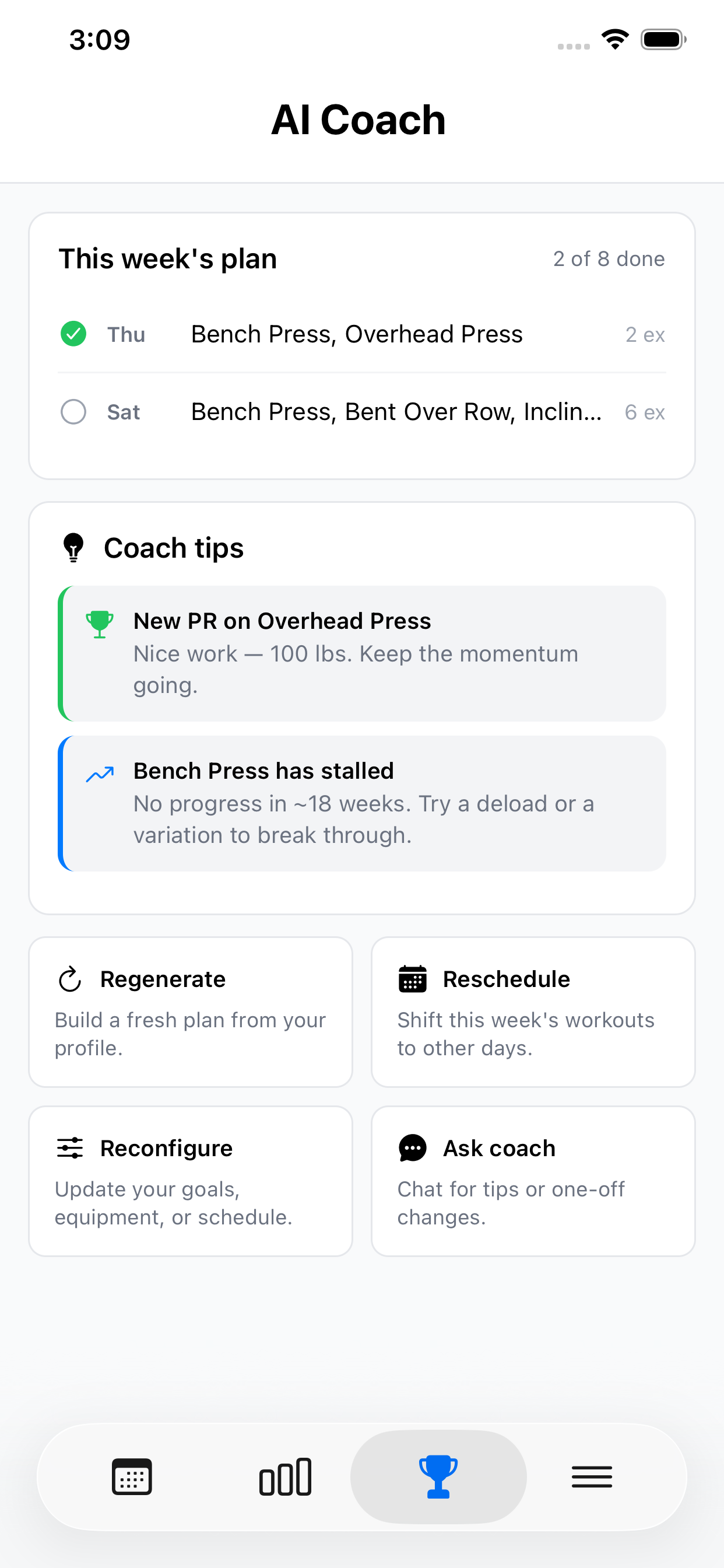
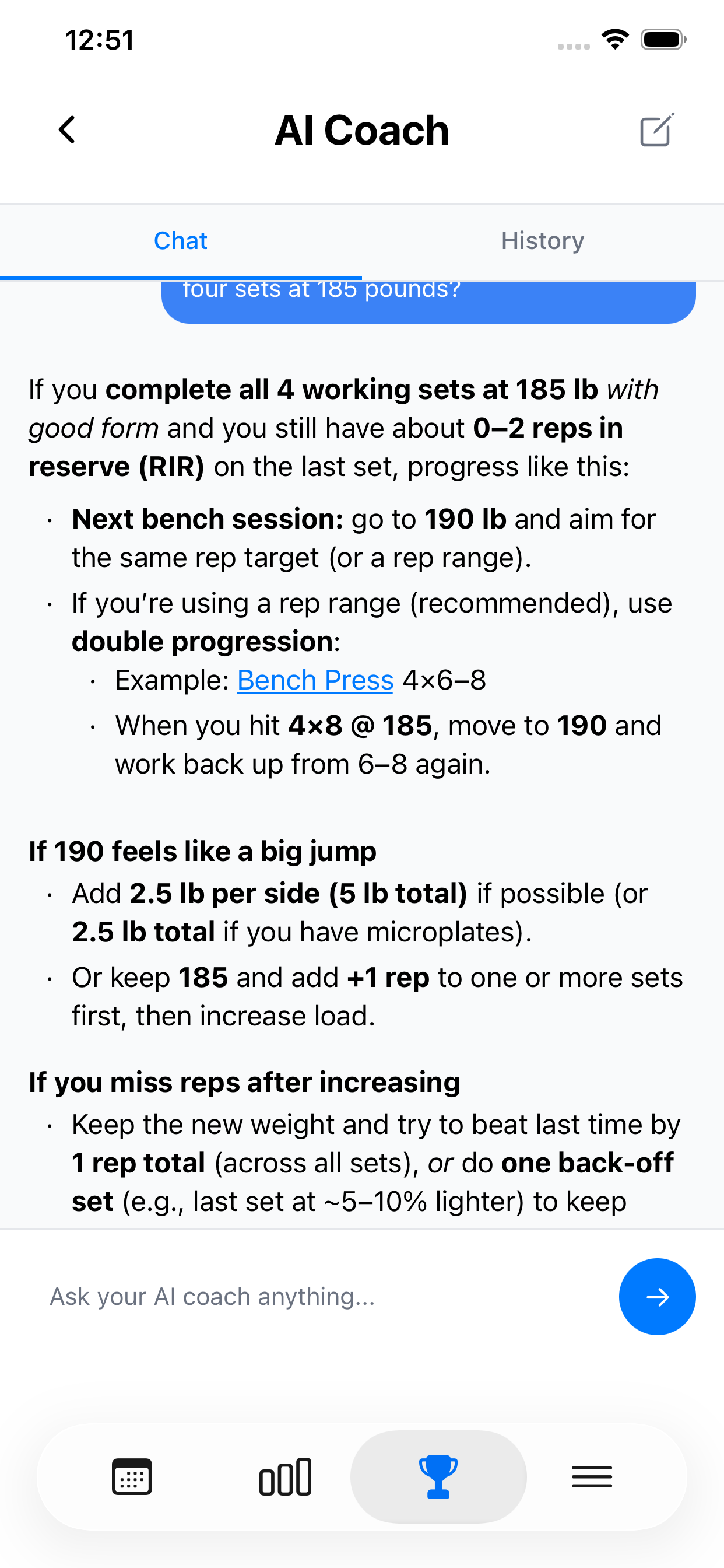
Before each request, the app condenses recent sets, reps, and weights, longer-term volume and consistency, lift progression, PRs, muscle balance, and stalled exercises into a coaching snapshot. The active plan and onboarding goals complete the context, so advice comes from the user's training instead of a generic fitness prompt.
A versioned, evidence-informed training layer covers progressive overload, goal-specific rep ranges, weekly volume, rest, warmups, recovery, and conservative safety boundaries. These are adaptable defaults shaped by experience and goals, not a rigid template.
The UI handles partial answers, errors, and retries without jumping the scroll position. Screen readers announce the final answer once.
User data stays isolated as untrusted input. Conversations are summarized, token budgets scale by task, and scheduling output is validated before reaching the calendar.
Local-first where it matters
The AI coach needs a connection. A saved workout does not. Redux updates immediately, AsyncStorage persists the change, and account sync runs in the background with a retry queue.
Planning can show a network state. Checking off a set should never stall because reception is bad.
Progress becomes useful feedback
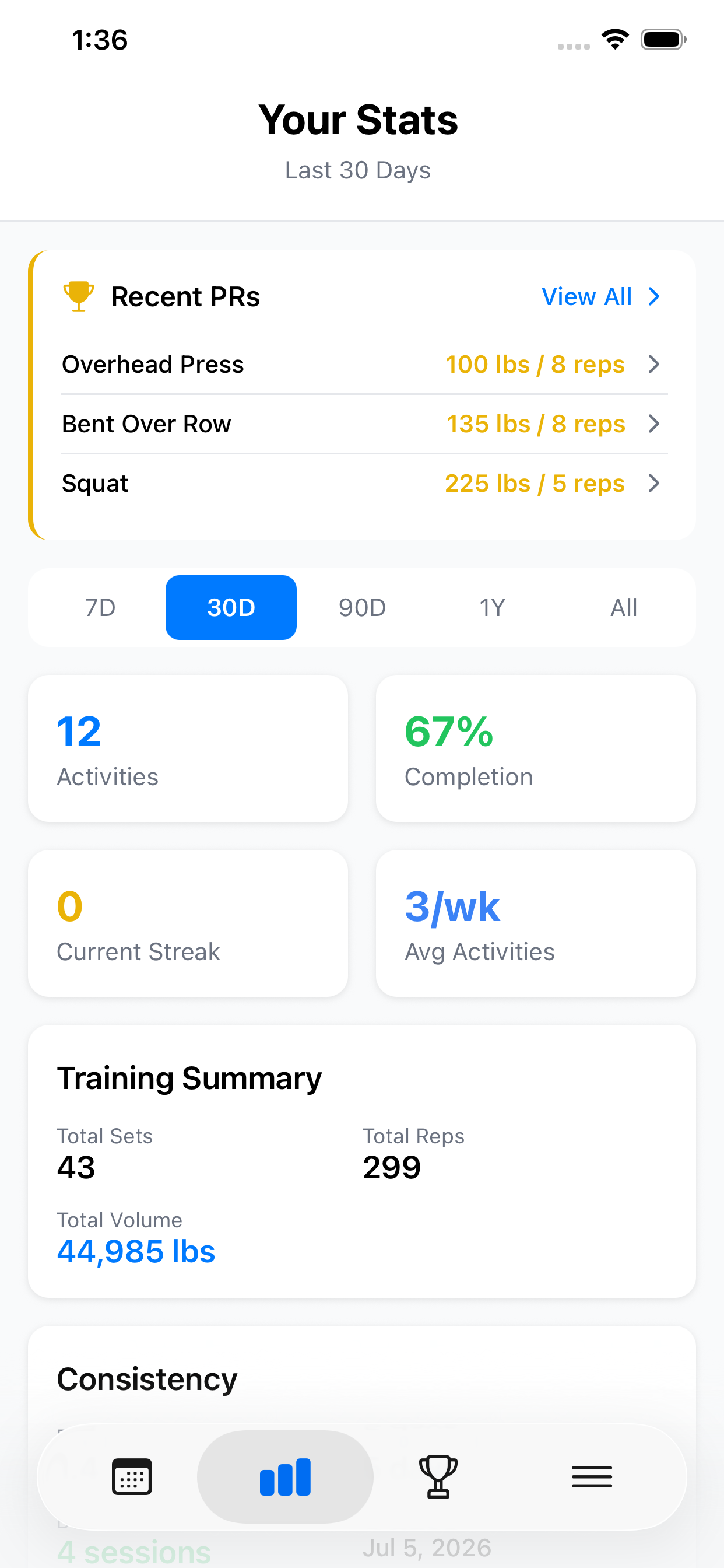
Completed workouts feed records, volume, consistency, muscle balance, and exercise history across several time ranges.
The coach uses the same data to celebrate a PR or suggest a change when a lift stalls. Logging, analysis, and planning stay connected.
Accessibility is interaction design
Accessibility had acceptance criteria from the start: WCAG 2.2 AA targets and contrast, labels, roles, focus order, visible state, and reduced motion. I tested every flow in both themes.
Large controls and clear states also help in a busy gym. Rhythm can follow the system appearance or stay in Light or Dark mode. Its patterns follow Apple's Human Interface Guidelines.
Also in the box
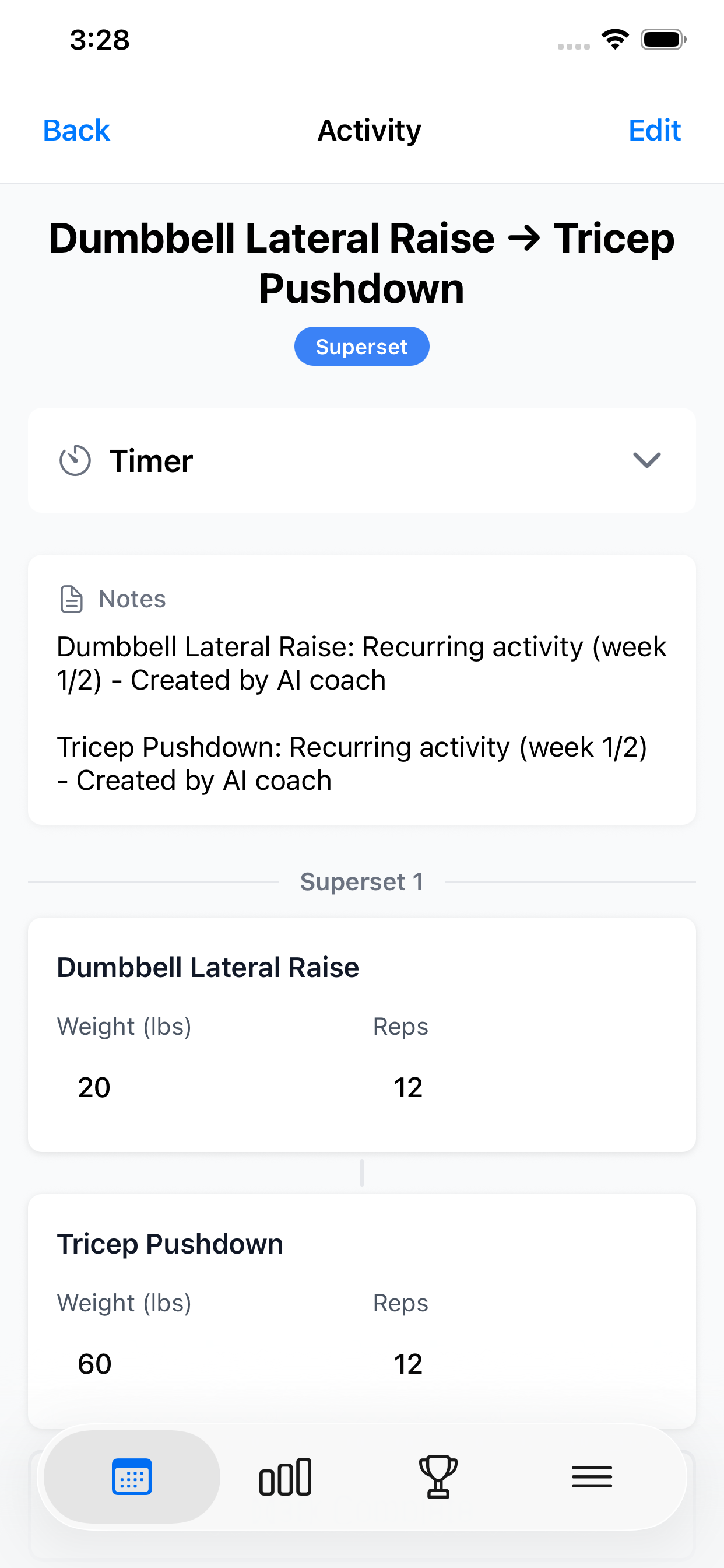
- Supersets with back-to-back guided execution
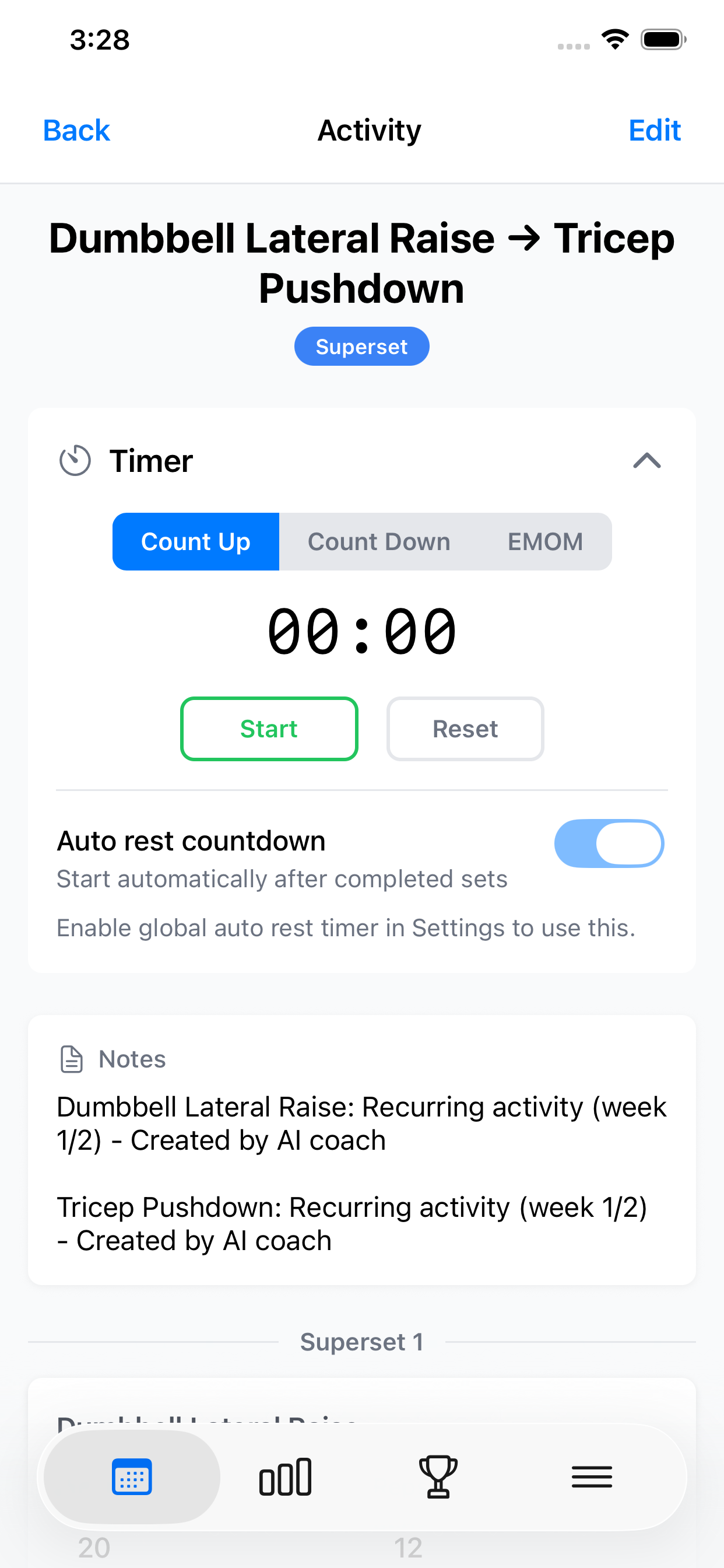
- Count-up, countdown, and EMOM workout timers
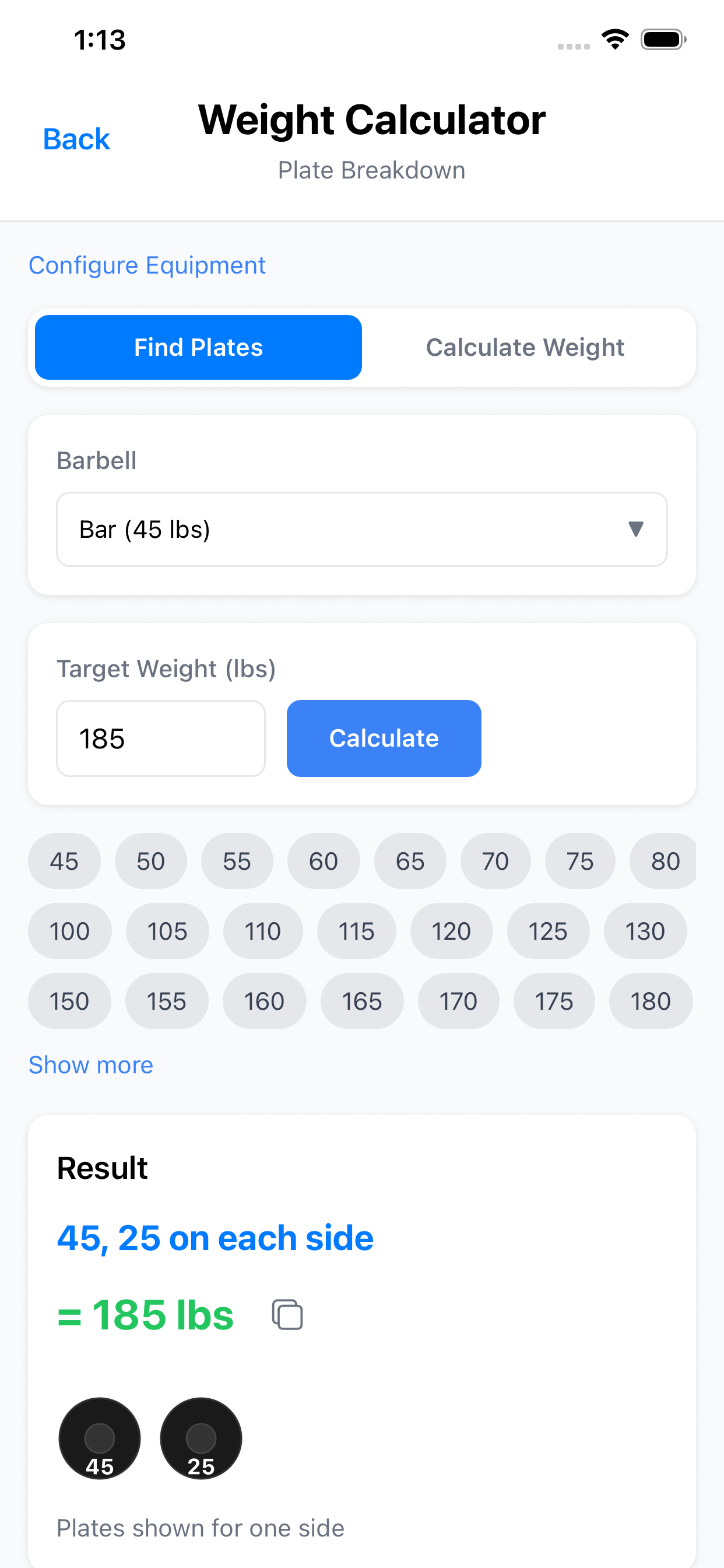
- Plate math and lift calculators
- Guided onboarding for goals, schedule, and equipment